ALDIO purple ribbon logoMusic StudioALDIO MUSIC FOR MAC

Your sound.
A studio of its own.

The ALDIO music workspace in a dedicated SwiftUI app. Open directly into Music, write your next idea, and arrange and export with the live studio.

  • Music opens directly on launch
  • Native Mac navigation and draft protection
  • Your approved purple ribbon app icon

v2.1.1 · Apple Silicon + Intel · macOS 14.0+ · 2.3 MB

Developer ID signed by BeakMe, Inc. · Notarized by Apple.
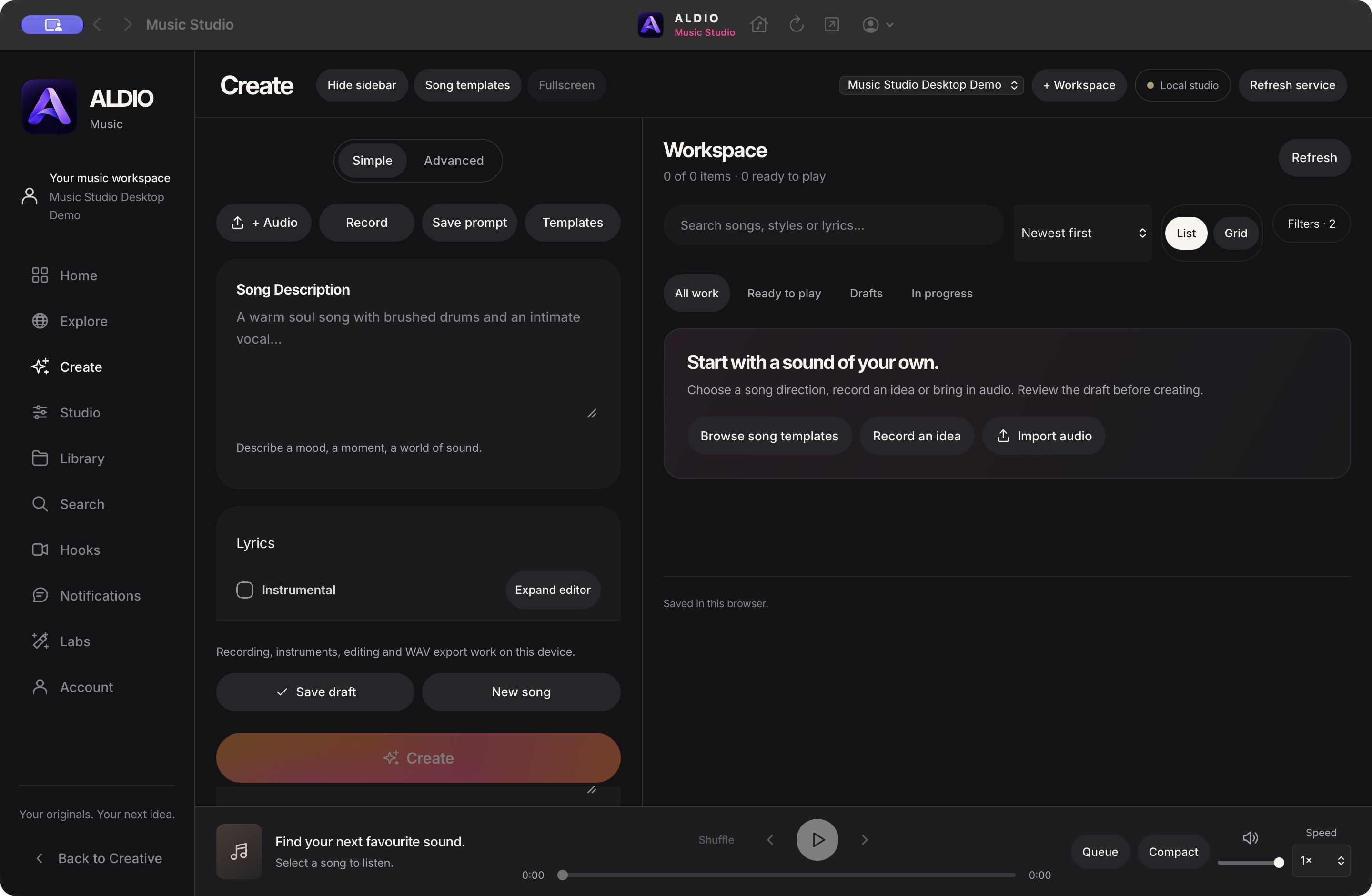
ALDIO Music Studio desktop app with the approved purple logo and live music workspace
Your music. A studio of its own.
ALDIO purple ribbon logoALDIOCREATIVE STUDIO FOR MAC

Your imagination.
A place of its own.

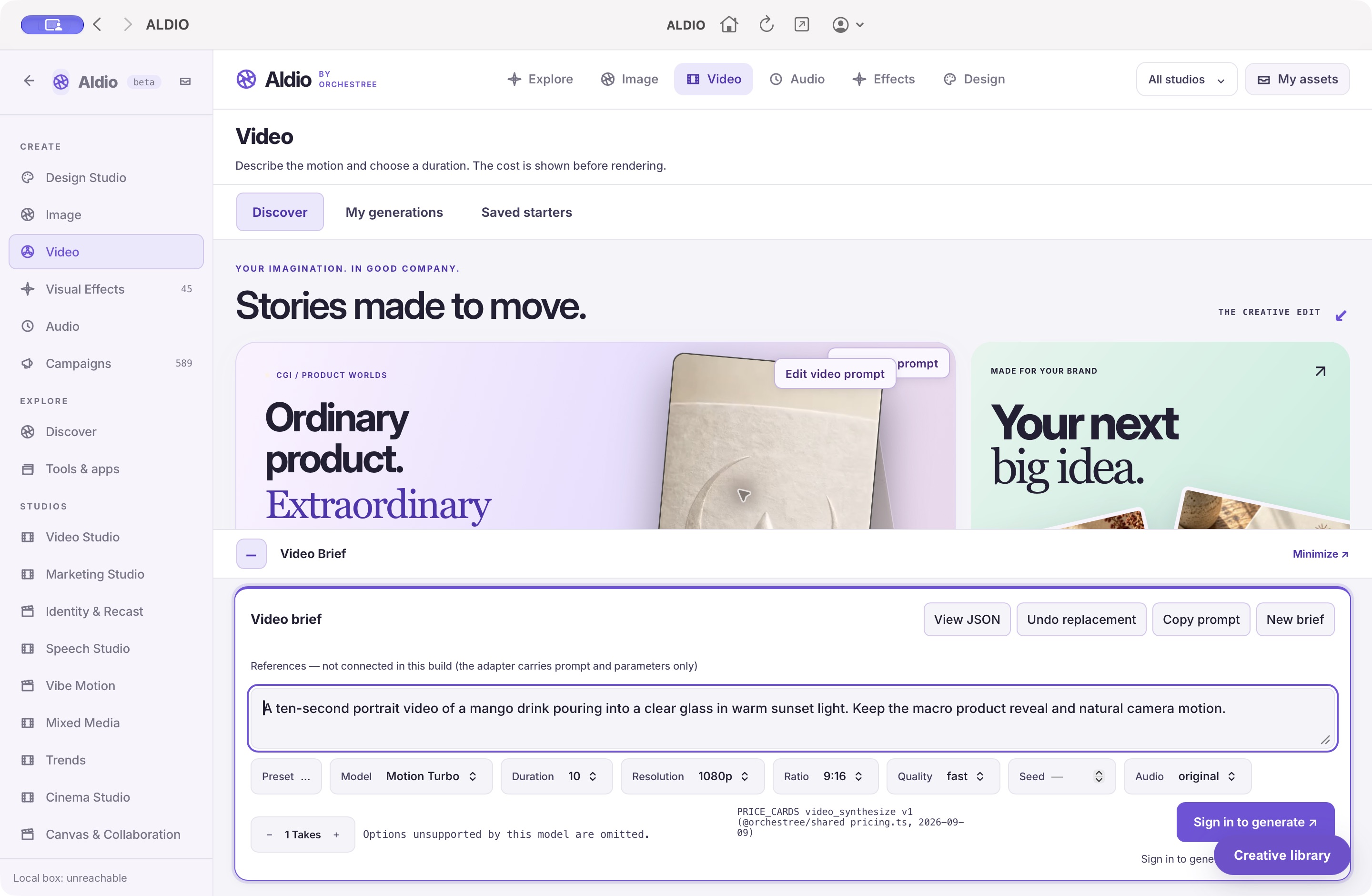
Your ALDIO studio in a dedicated SwiftUI desktop app. Explore videos, edit their prompts, and create with your familiar tools and Orchestree account.

  • All ALDIO studios in one workspace
  • Native Mac navigation, menus, and shortcuts
  • Your approved purple ribbon app icon

v2.0.0 · Apple Silicon + Intel · macOS 14.0+ · 2.2 MB

Developer preview. This build is not Apple-notarized. macOS may block opening it. Developer ID signing and notarization are pending.

ALDIO desktop app with native Mac navigation and the live creative studio
One creative studio. Your own desktop workspace.
OriginTax by OrchestreeFOR MAC

Your tax life.
At home on your Mac.

A dedicated desktop workspace for filing, documents, deductions, and planning. Sign in with your Orchestree account and pick up where you left off.

  • All your OriginTax tools
  • Mac menus and keyboard shortcuts
  • Native file upload and download

v1.0.1 · Apple Silicon + Intel · macOS 14.0+ · 0.7 MB

Preview build · installation details

This build is not Apple-notarized. Drag OriginTax into Applications. If macOS blocks opening it, use System Settings → Privacy & Security → Open Anyway. An internet connection is required.

Verify download checksums
Open OriginTax in your browser
OriginTax web app at orchestree.ai/origintax
Your familiar workspace. A place of its own.

DESKTOP / DEVELOPER PREVIEW

Crowgent. Your own workspace.

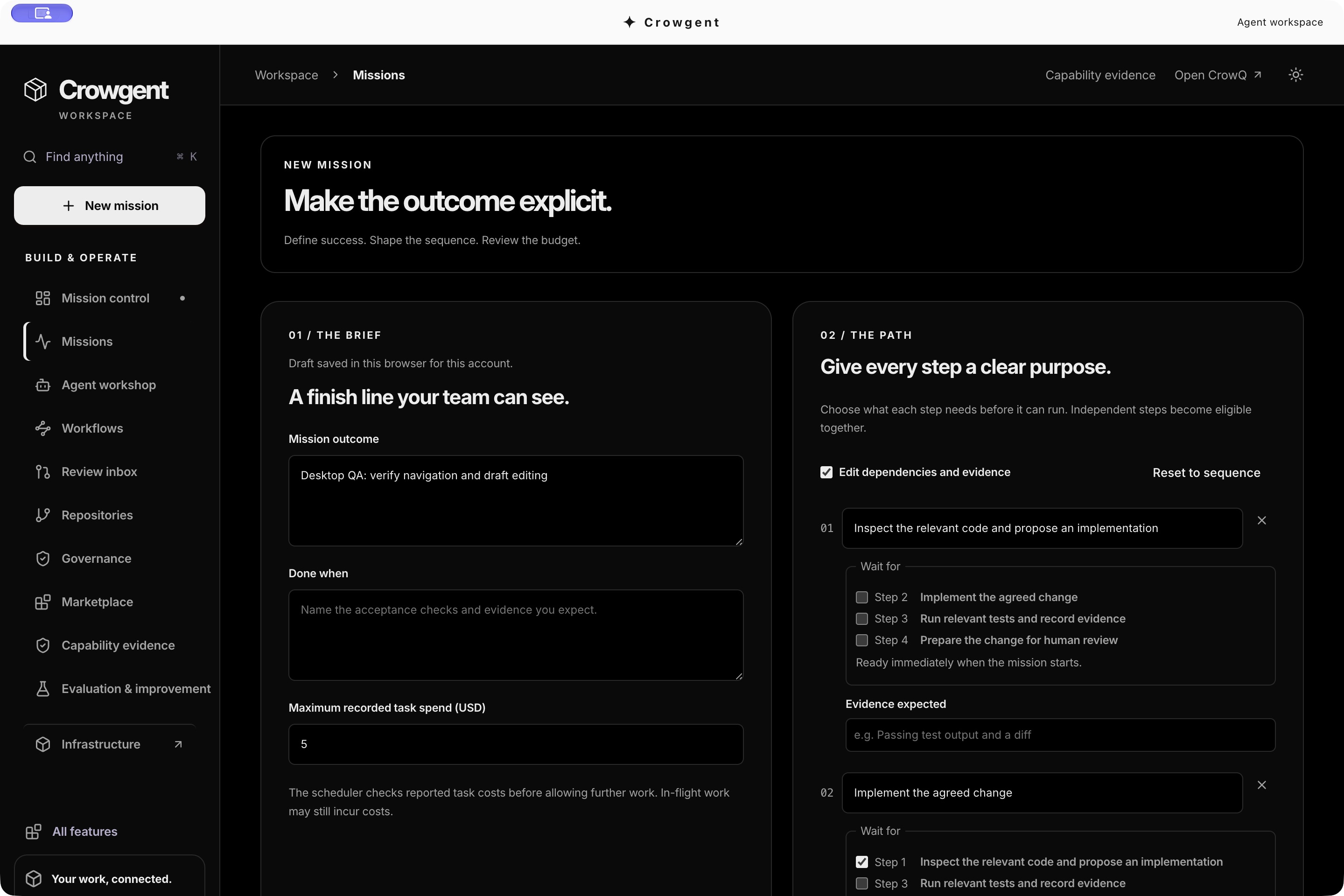
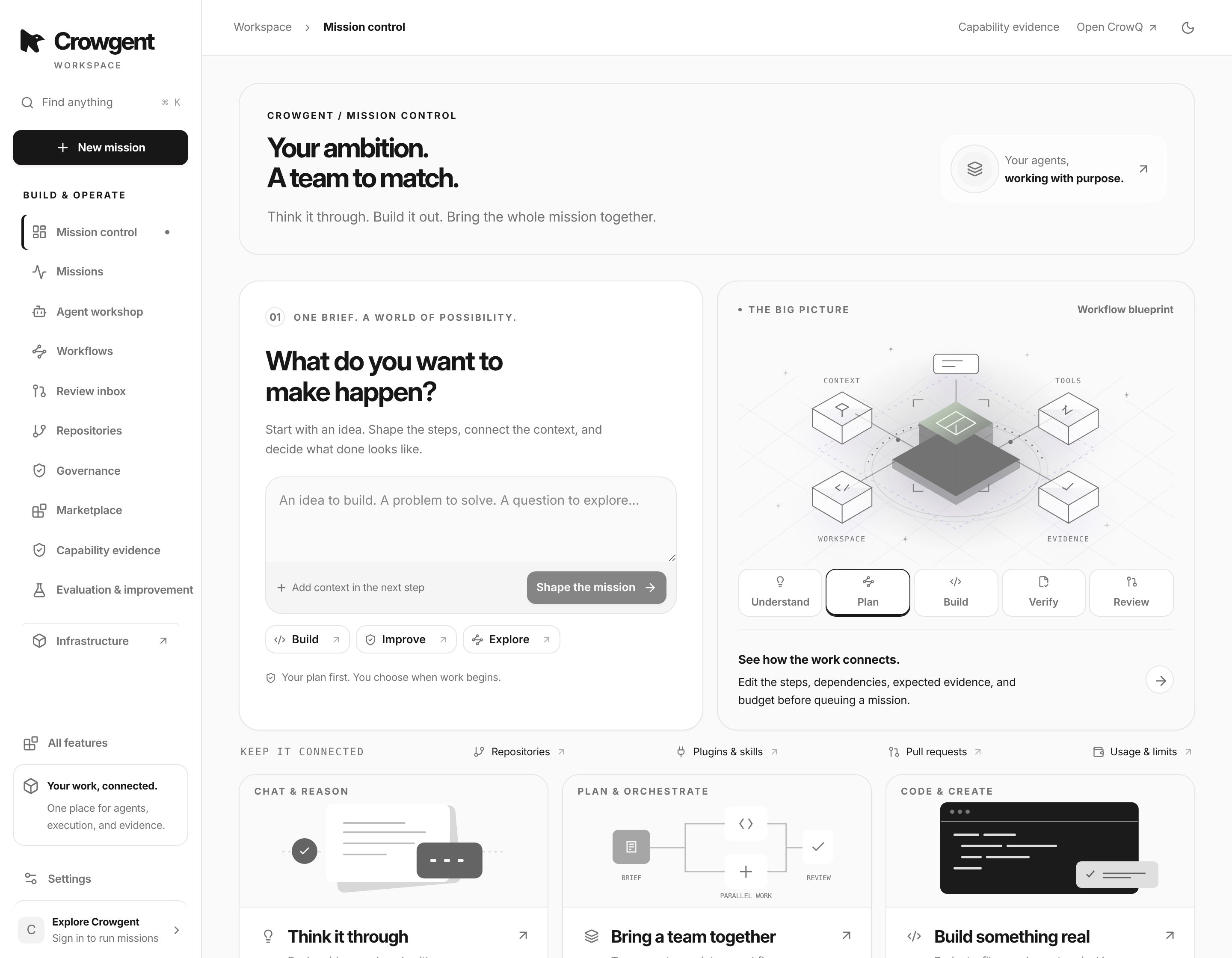
Agents, missions, and workflows connected to your live Crowgent account.

Developer preview: unsigned. macOS notarization is pending; Windows installation and runtime QA have not yet been completed. Internet access is required.

Mac: open the DMG and drag Crowgent to Applications. Windows: run the EXE installer.

Verify installer checksums · Open Crowgent in your browser
Crowgent desktop mission editor in dark mode